Product release - August and September 2025
AI chat
Generally, there are numerous tiny fixes under the hood for our AI chat feature. The development of this feature has been, and remains to be throughout 2025, a high priority project. There are several fixes, not all mentioned in this release list. The most prominent changes are listed on this page.
And remember, all post purchase features are accessed from this myOGO menu item:
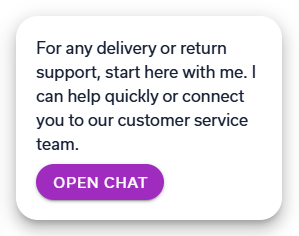
Freely change the AI chat beginning text
You can now change the welcome text, how the AI agent begins the discussion with the customer. That text is also displayed in the AI chat widget:
The text can be found under the Customer portal configuration menu:
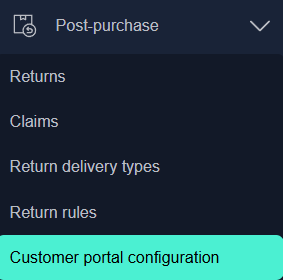
The widget configuration is done here:

Chat notification improvements
We noticed that the delivery of the notification to the consumer was not optimal if the message was missed in the actual chat by the consumer. This might happen if the consumer is not online any longer when the merchant responds to the chat.
We now send an email or an SMS automatically if we notice that the message has not been read by the consumer. This email and SMS can be customized and it needs to be enabled for it to start working.
As an example, the default email notification message looks like this:
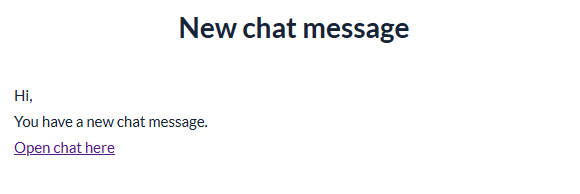
Simple, neat, works.
Post purchase software updates
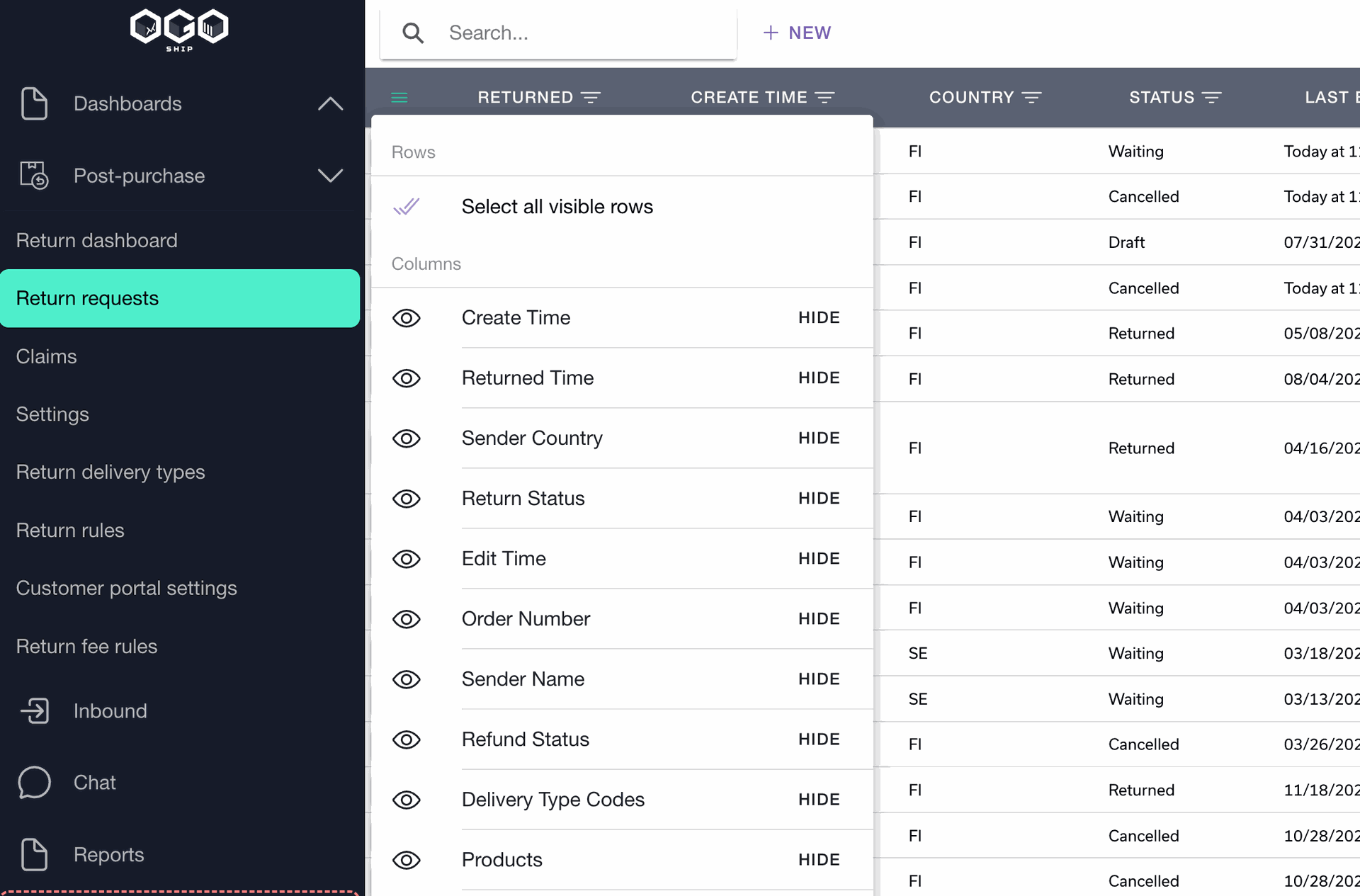
Improved search and customization of the myOGO2 services list views
- You can now rearrange columns using Drag&Drop
- You can also hide columns from the menu
- There is quick search box at top of the page
Claims can now be deleted
They will be moved to recycle bin where they can be restored if necessary. They will be permanently removed after 7 days.
Claims: fetch order data back to myOGO
MyOGO has automatic order data deletion after a freely selectable time of days, the default being 180 days. However, sometimes customers might have a claim beyond the 1st 180 days and for the claims feature to function properly, that data is needed.
Now that data can be fetched back from the store platform via the API, if the order and data still exist in the store platform.
New report formats
Added .pdf, .txt, .docx as valid myOGO2 services report file formats.
All current valid file formats are: ".xlsx, .xls, .csv, .pdf, .txt, .docx".
Files can be uploaded in the post-purchase settings
Earlier all the post purchase widget pictures were only configurable with direct URLs to images, where the storage of the images was required to be held elsewhere. This was clunky and a file upload function is now available.
The upload function is found at the bottom of the "Post purchase configuration" page:

Order management
Integration filter in the order list - detailed search
You can now search for incoming orders with the integration filter, in case you have shipment incoming from various platform.

Order page: myOGO - "sync order now to webshop"

No need to wait for the next sync cycle, you can push the sync for a one specific order.
Final note: the OGOship tracking + AI chat feature video is available here.